A to-do list that works through itself.
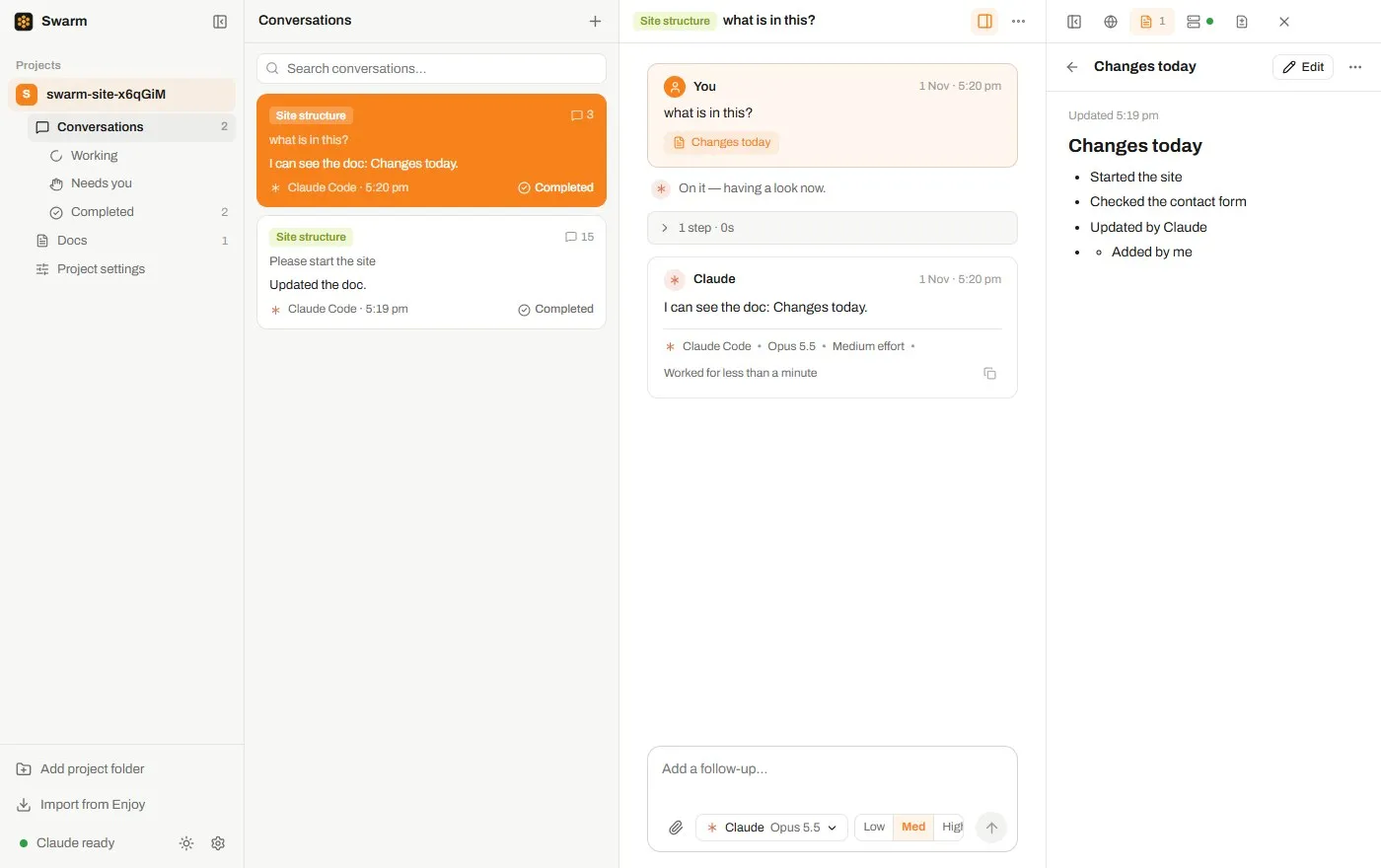
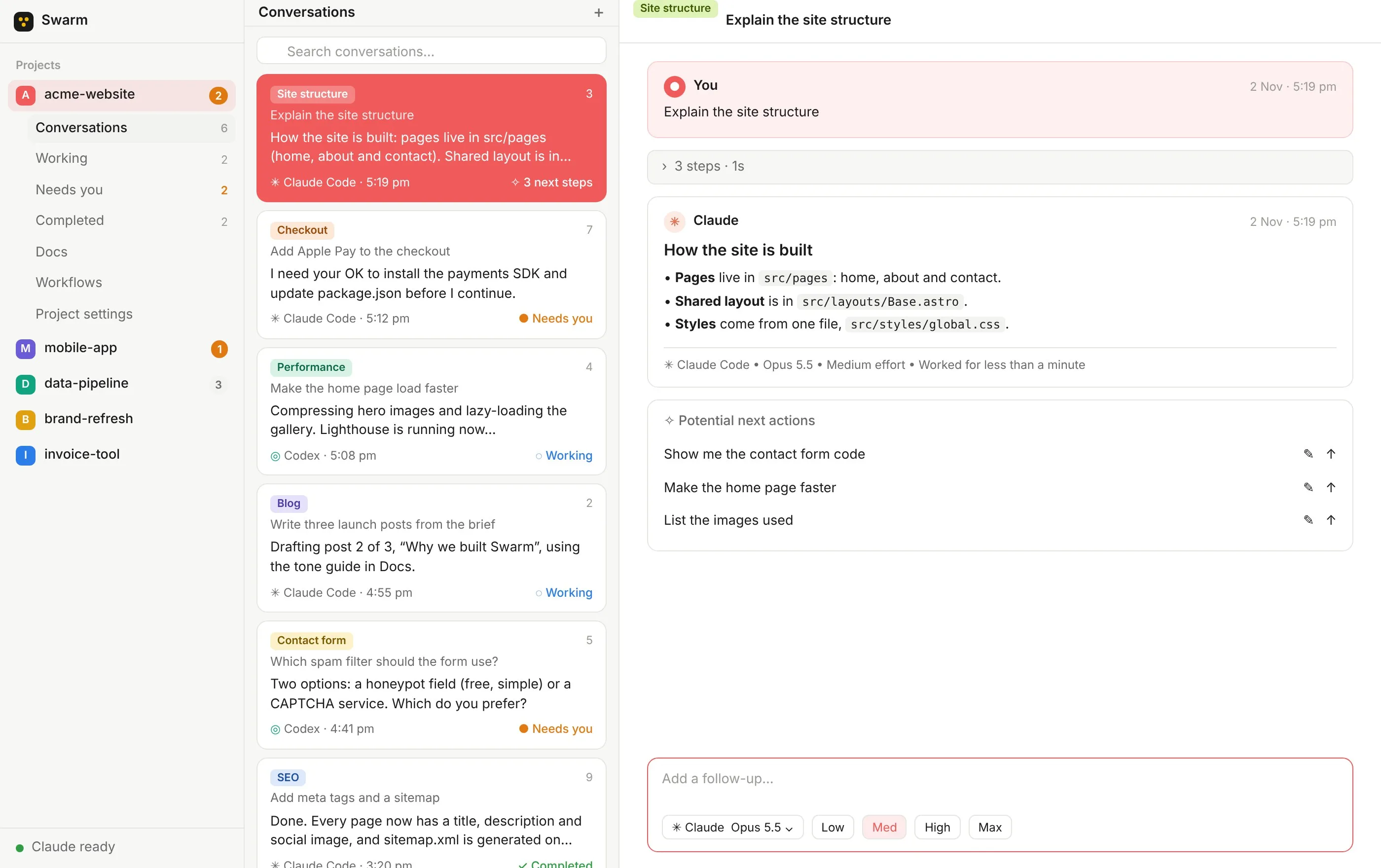
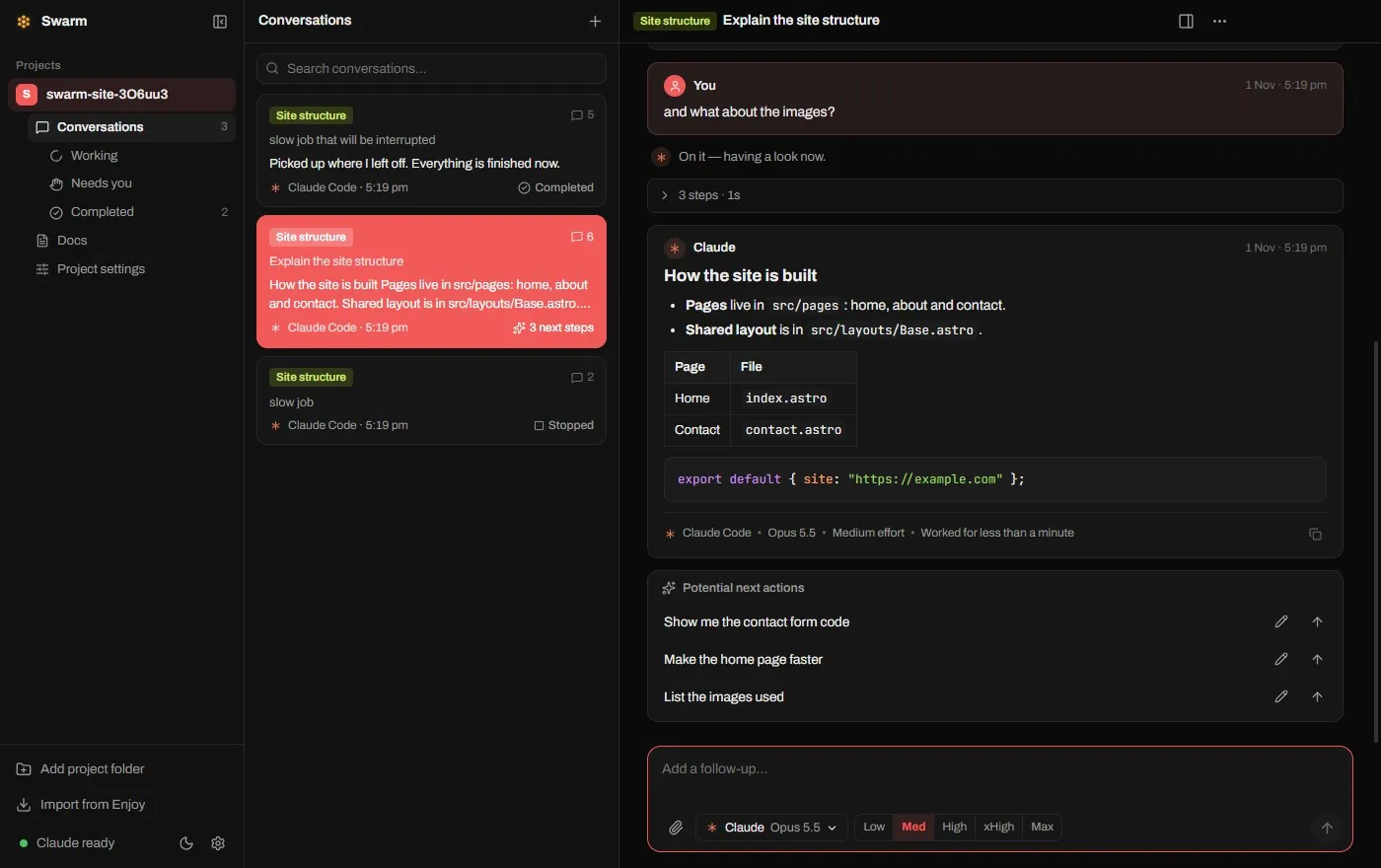
Every task is a card. See at a glance which agents are working, which need a decision from you, and which are finished.
 ChatGPT
 Claude
 Gemini
 Grok
 Meta
 DeepSeek
 Kimi
 OpenCode
Every agent, side by side, on the AI plans you already pay for.
14 days free, then $10 a month. Cancel anytime.
How a swarm works
Give Swarm a task and your agents split it up, work on their parts at the same time, and bring it back together for you to review.
Why Swarm
Every task is a card. See at a glance which agents are working, which need a decision from you, and which are finished.
Parallel by default
Spin up as many conversations as you have ideas. Each gets its own agent and keeps going while you work on the next.
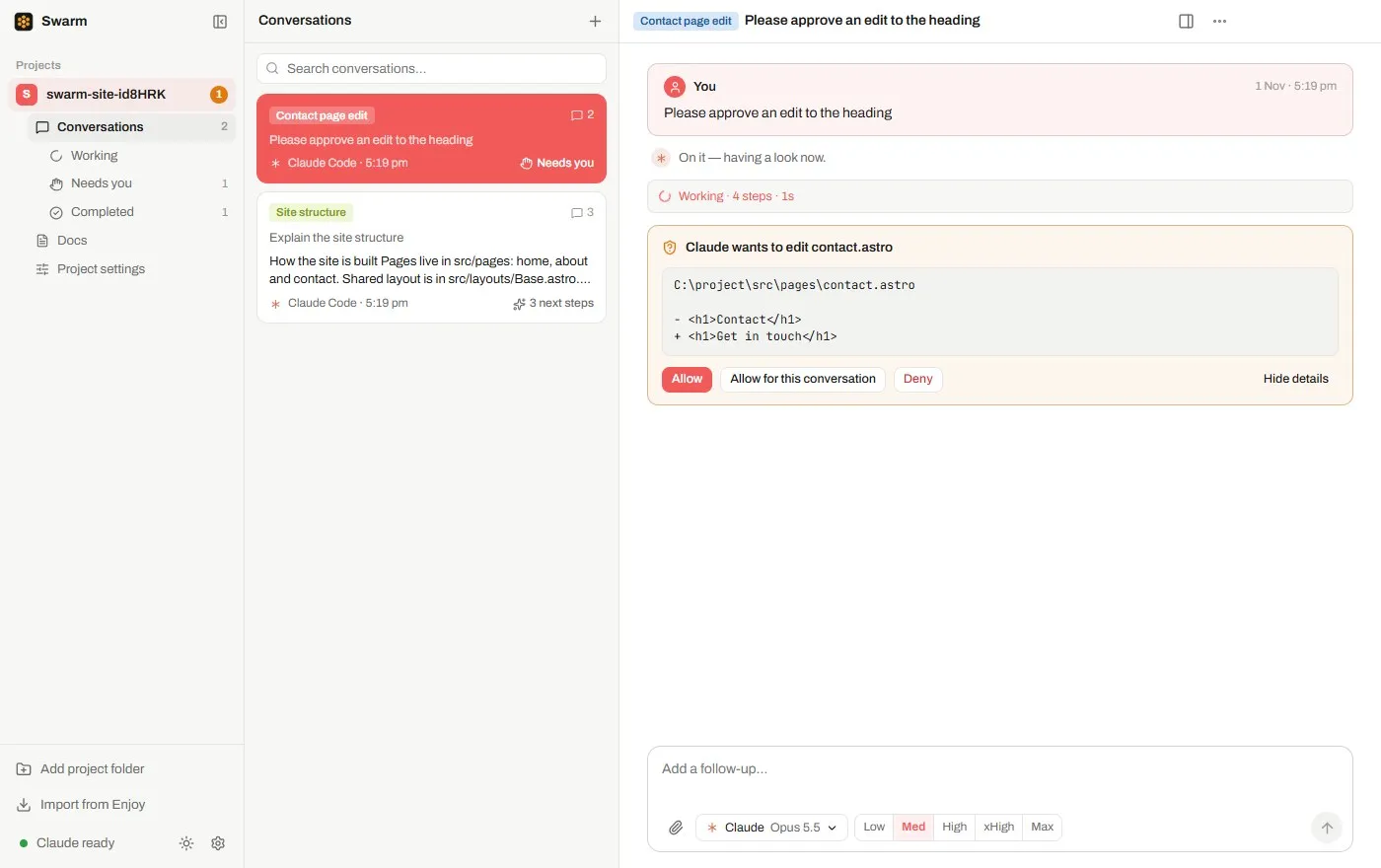
Commands and file changes show up as clear code. Allow them, decline them, or answer an agent's question with one click.
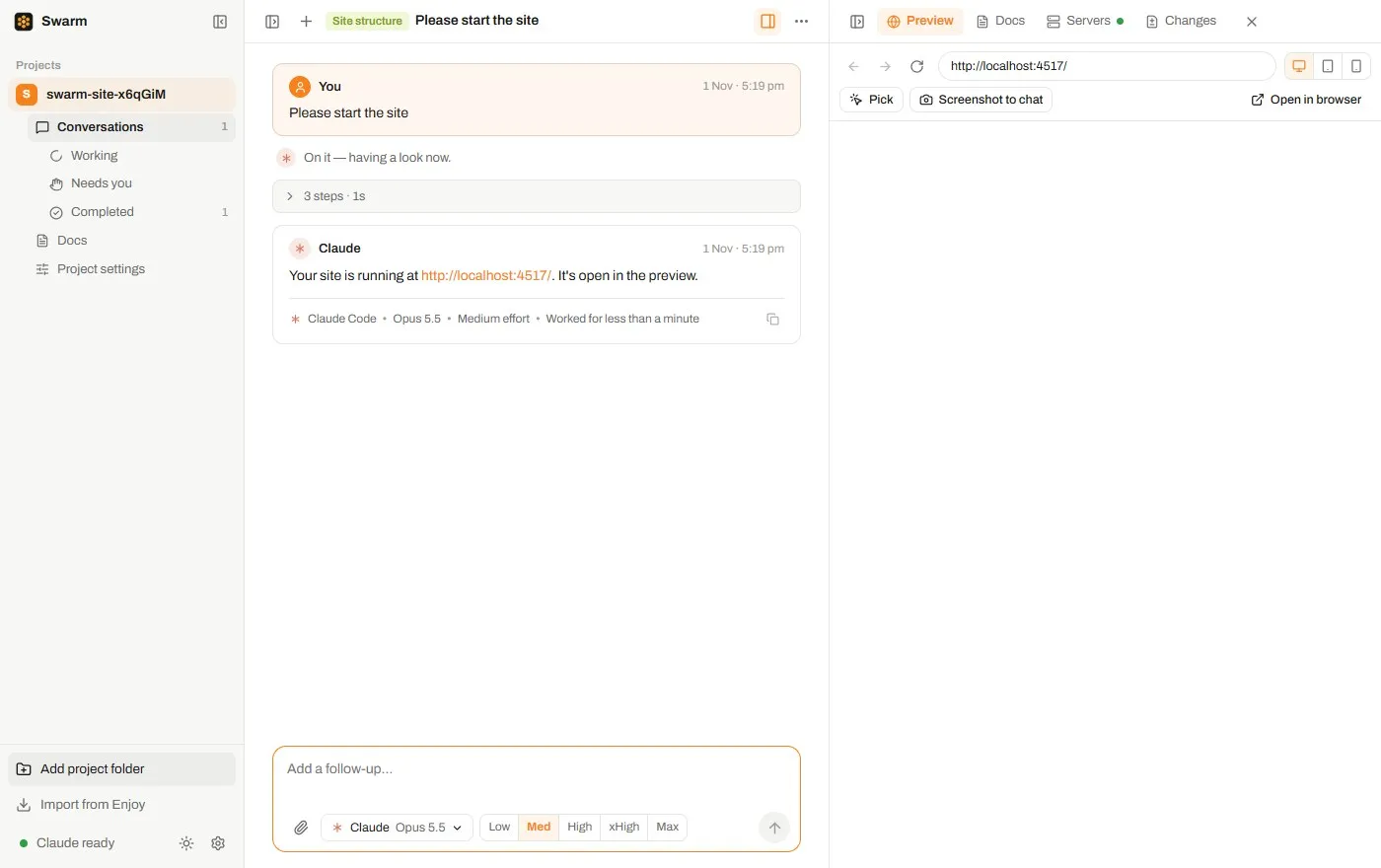
A live browser sits beside every conversation, so you can check the result, switch to phone width and point at what to fix.
Choose the agent, model and effort for each request, save favourite set-ups as presets, or hand a conversation to another agent and it picks up where the last one left off.
Always a next move
Swarm suggests up to three follow-ups after each answer. Send one, tweak it first, or queue several to run in order while you get on with your day.
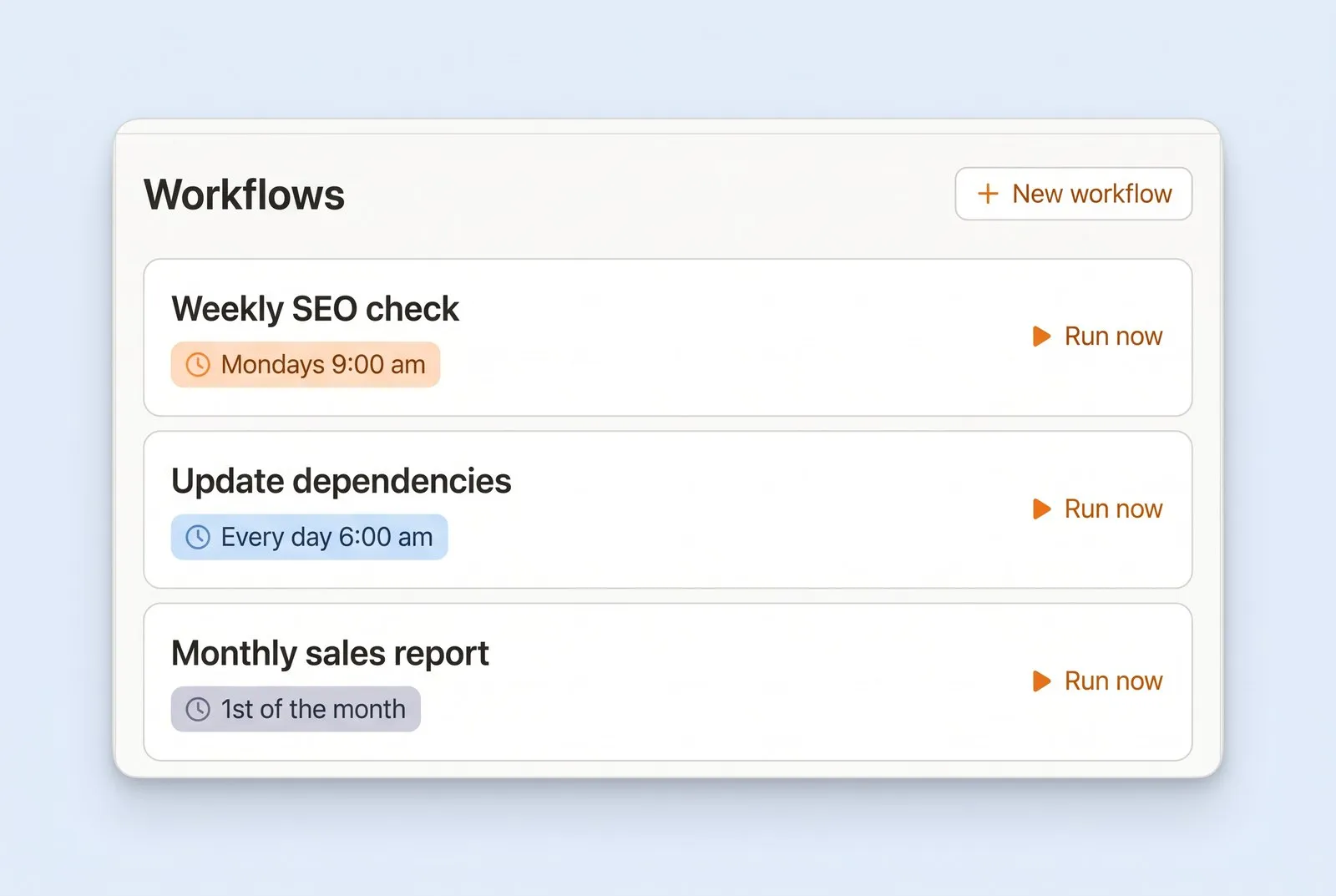
Save instructions once as a workflow, then run them in a click or on a daily, weekly or custom schedule.
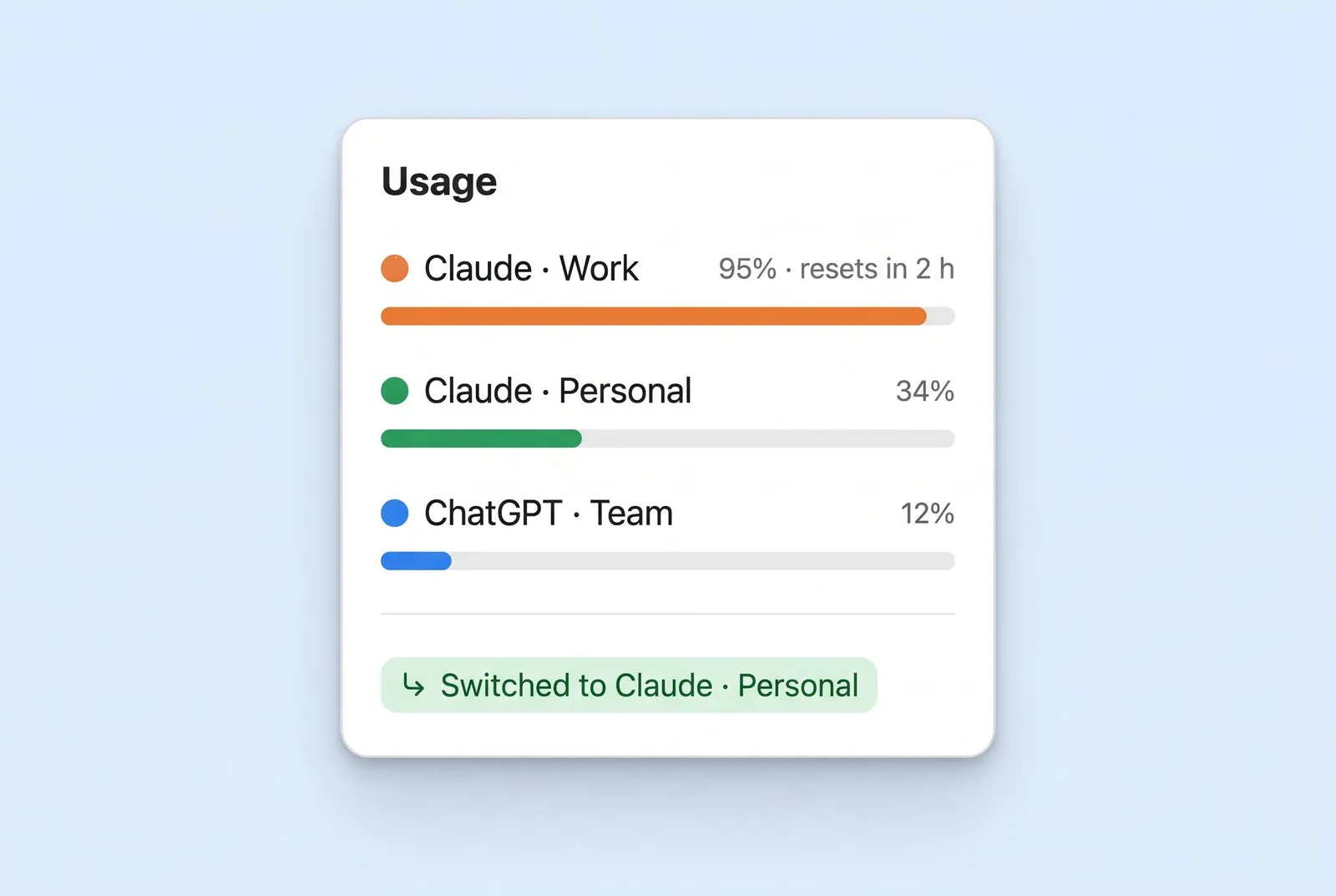
Keep several accounts signed in. When one runs dry, work moves to another, or waits for the reset and carries on.
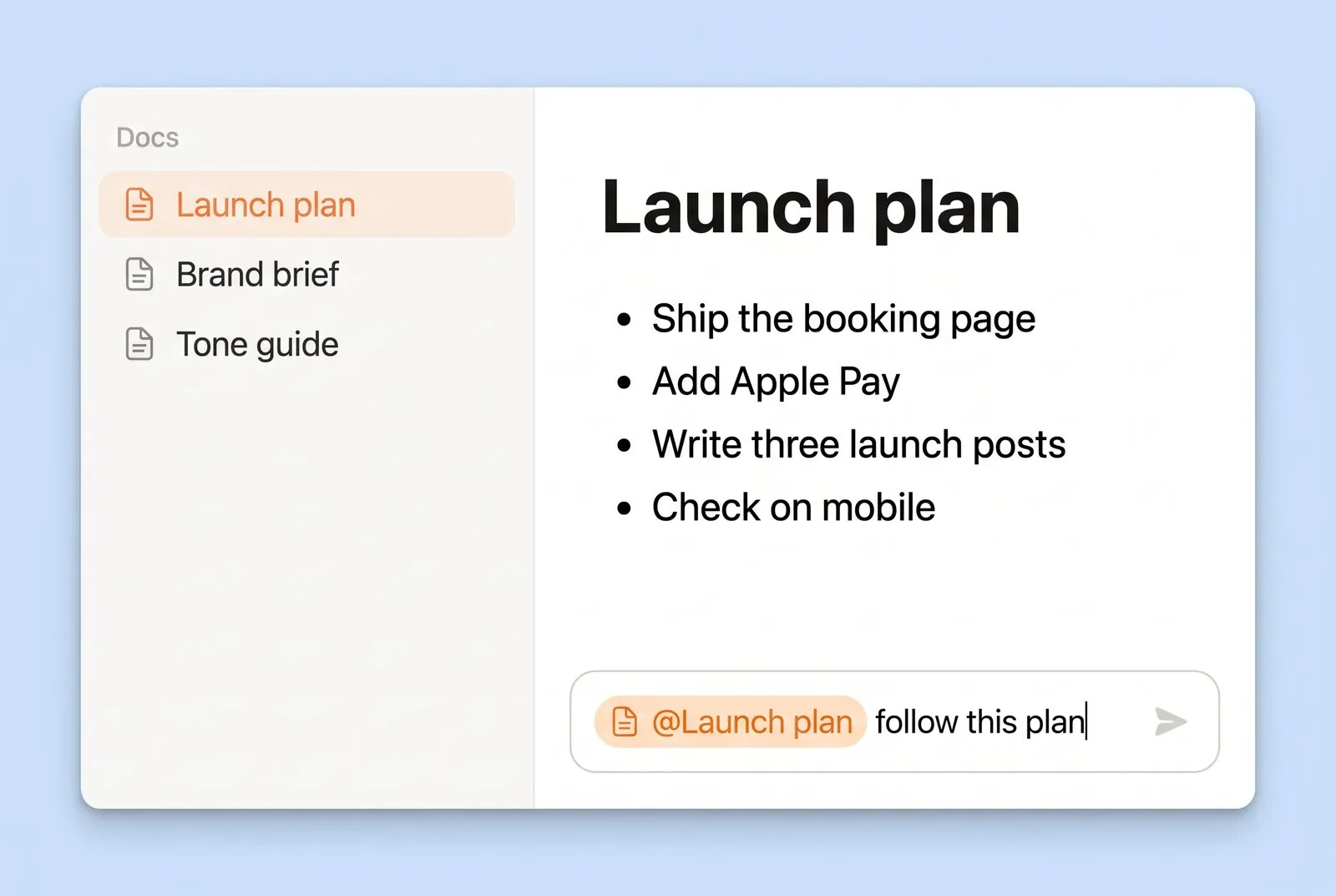
Write a plan or brief once and every agent in the project works from it. Point at any doc or file with an @ mention.
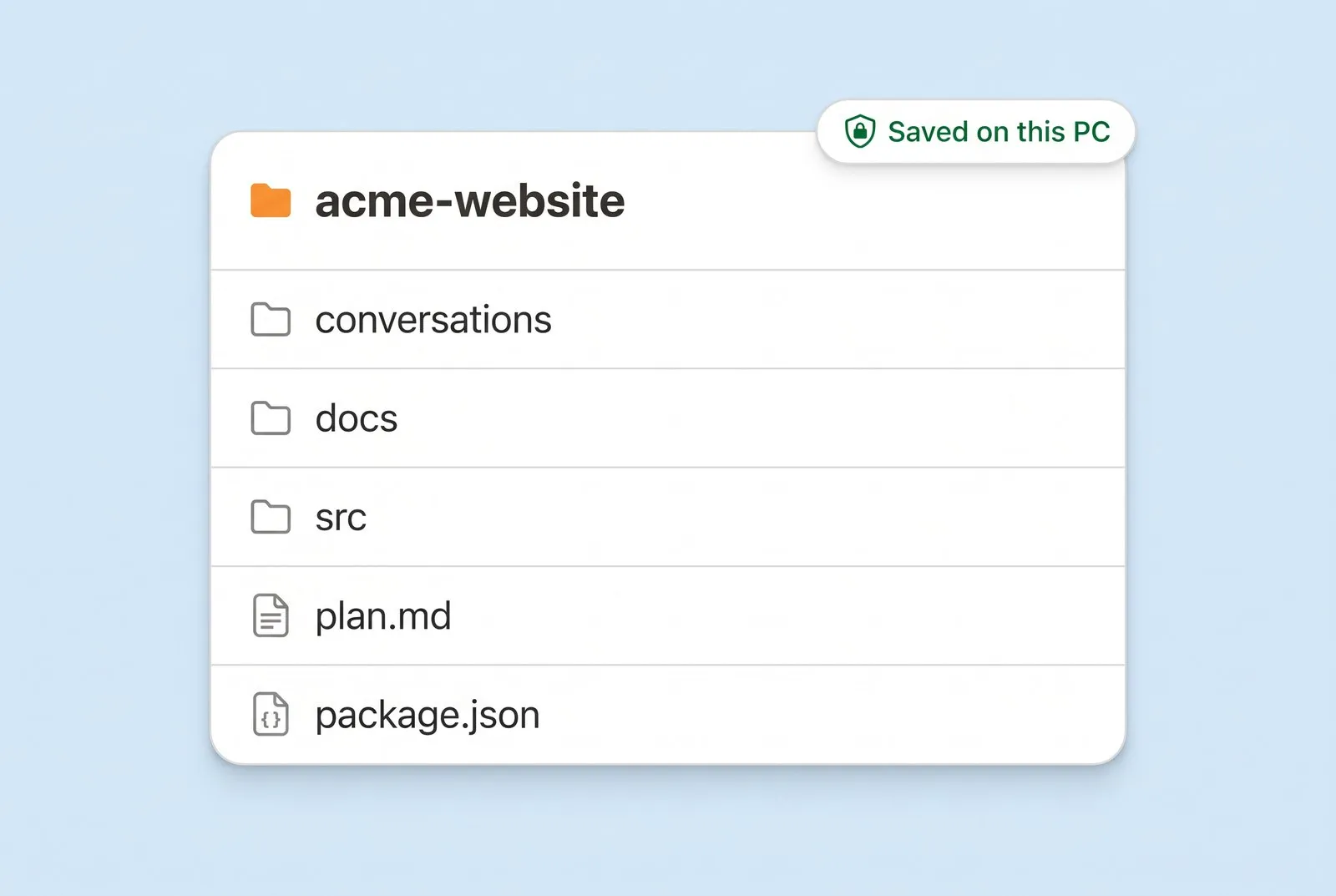
Projects, conversations and docs live on your own disk as plain files. Messages go straight to your AI provider.
Pricing
No tiers to compare and no new AI bill. Swarm works with the subscriptions you already have.
14 days free, then $10 a month. Cancel anytime.
14 days free · then $10 a month
Describe it in plain words and an agent gets started.